
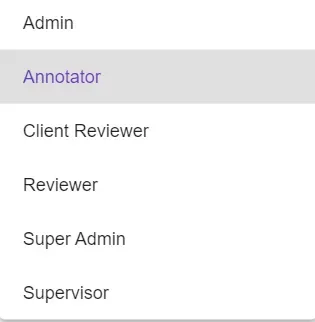
Role-Based Access Levels
Annotator
An Annotator level clearance would allow the user access to the following screen and its contents: Label and Files.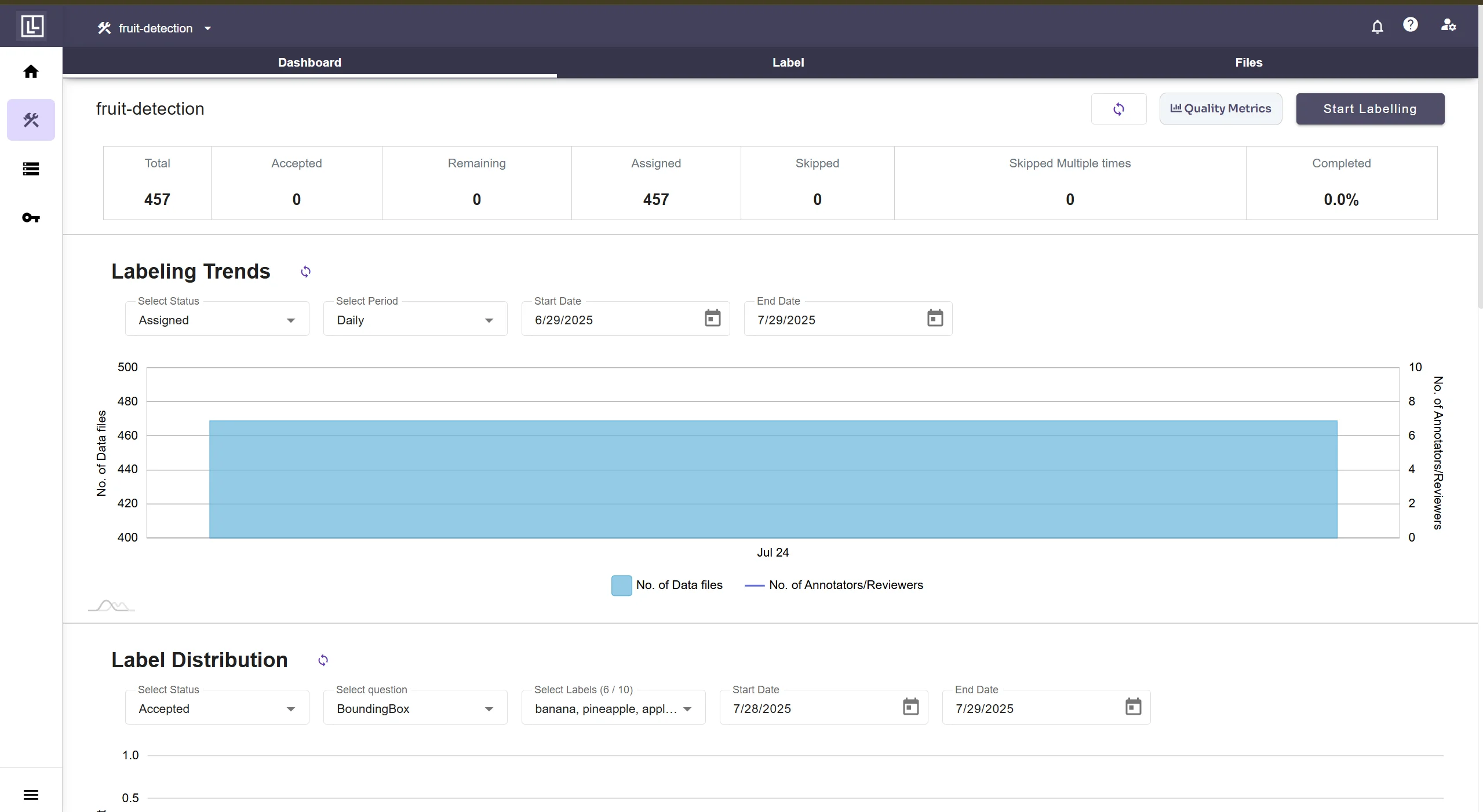
Reviewer
A Reviewer level clearance would allow the user access to the following screen and its contents: Review and Files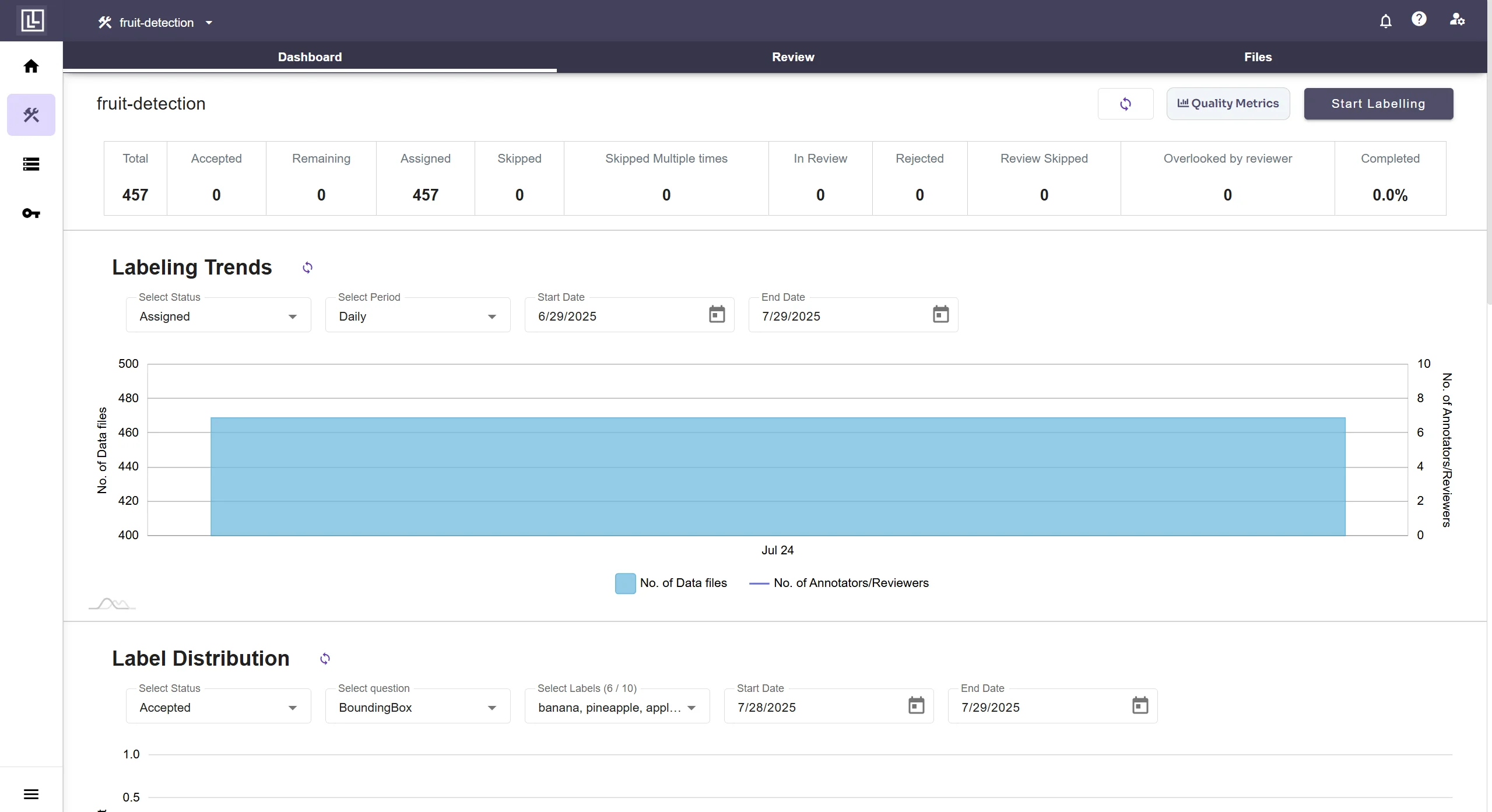
Client Reviewer
A Client Reviewer level clearance would allow the user access to the following screen and its contents: Client Review and Files and export.In case the Client Review and Review Process are disabled for a project and a user is assigned such a role, then a limited screen would appear with restricted access.
Supervisor
A Supervisor level clearance would allow the user access to the following screen and its contents: Label, Review, Export and Settings.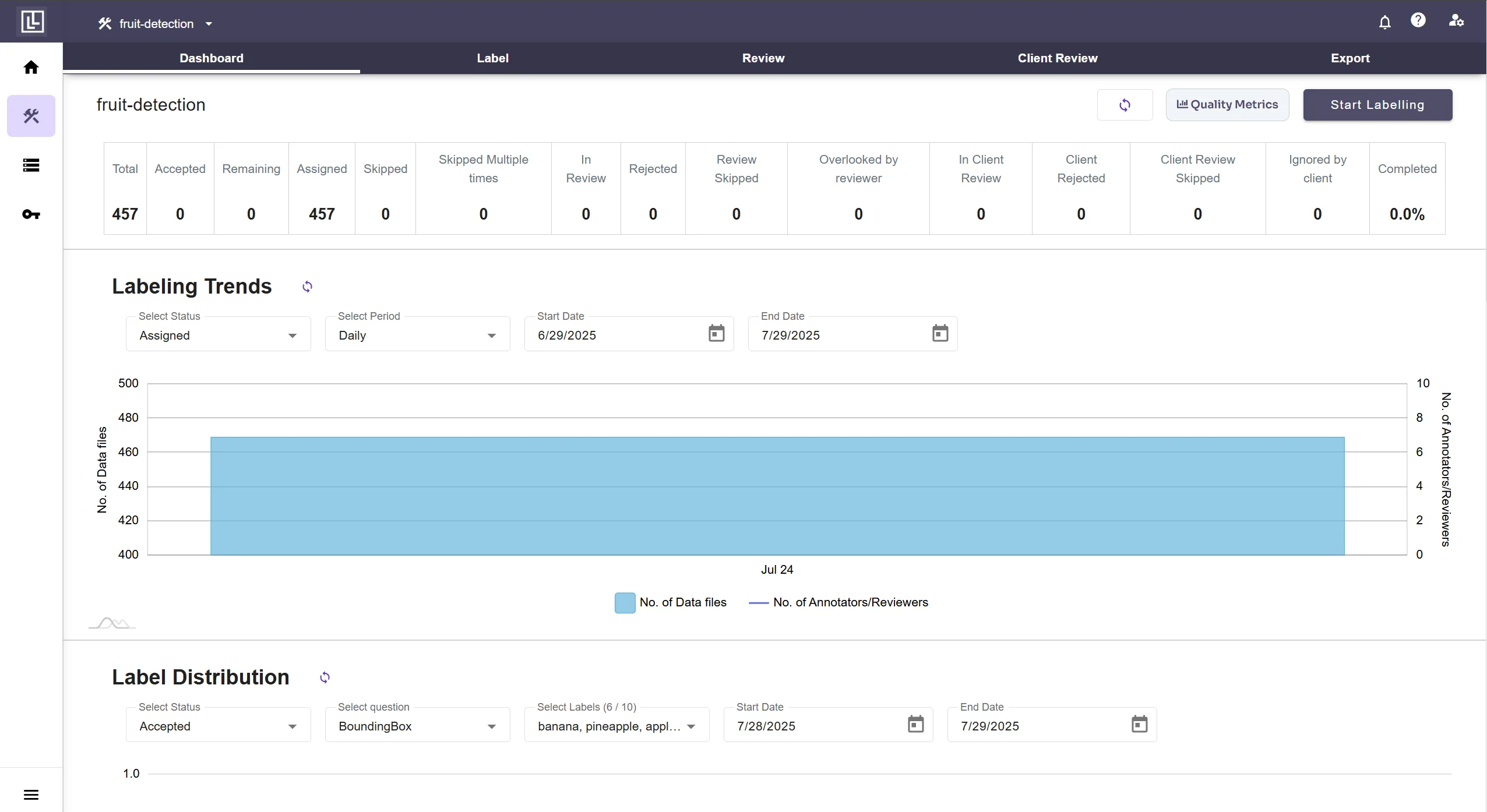
Admin
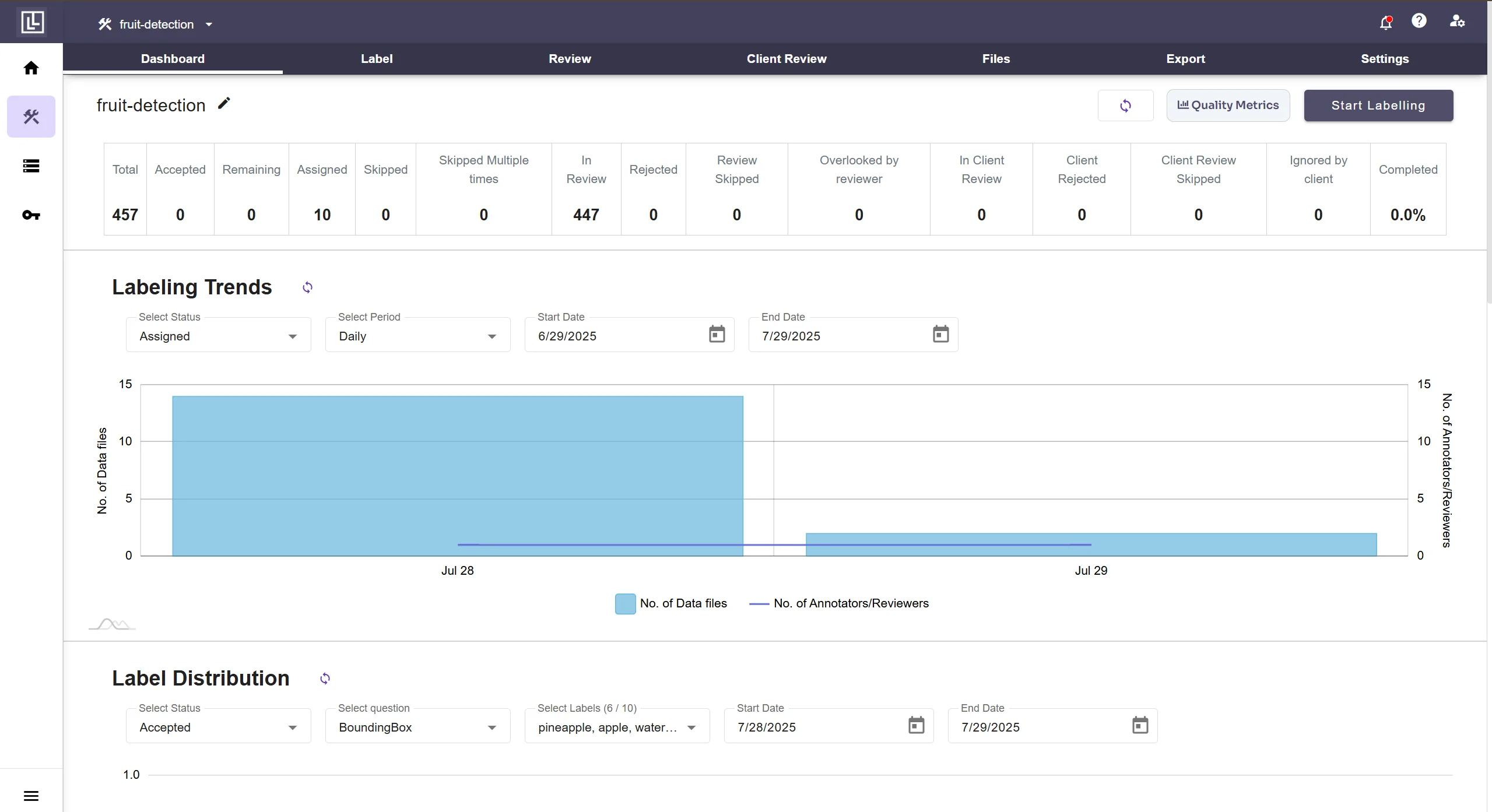
An Admin level clearance would allow the user access to the following screen and its contents Label, Review, Client Review, Files, Export and Settings (and other workspaces if any)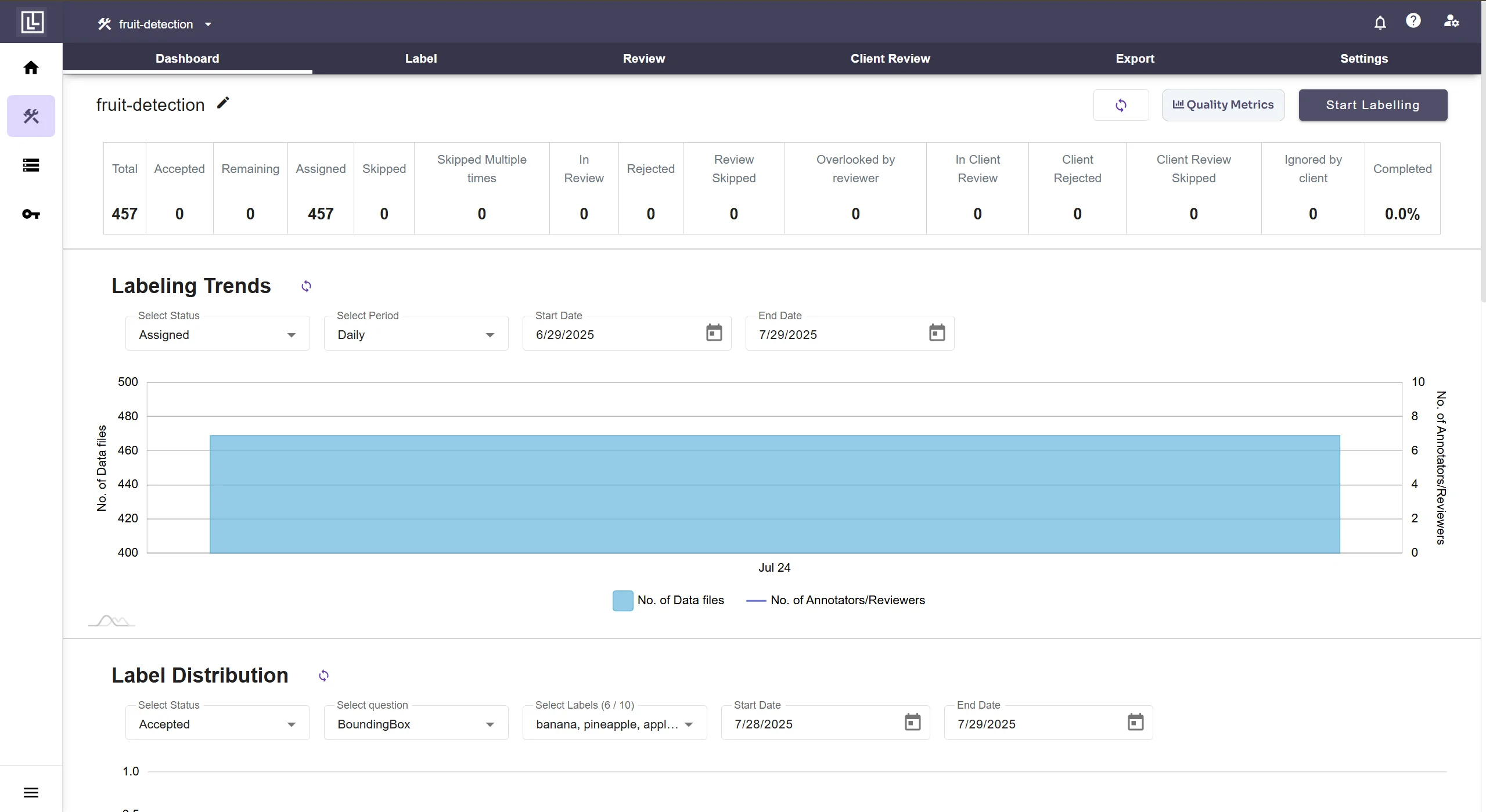
Super Admin (Owner)
A Super Admin (or Owner of the Project) level clearance would allow the user access to the following screen and its contents: Label, Review, Client Review, Files, Activity, Export and Settings (and other workspaces if any)