Start by creating a project following the steps outlined in the link provided below. How to Create a New Project?
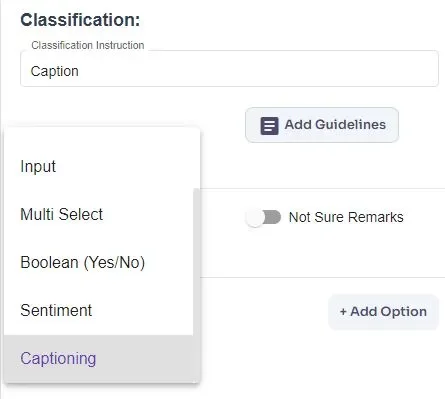
Setting Up Object/Classification template:
You can refer to the link mentioned above for guidance on how to create a template for objects/questions within a project.
You have the option to create a new project or modify an existing project template according to your needs. Additionally, multiple questions can be set up to gather various types of details. You can choose to obtain all details at once or gather them one by one by providing different prompts.
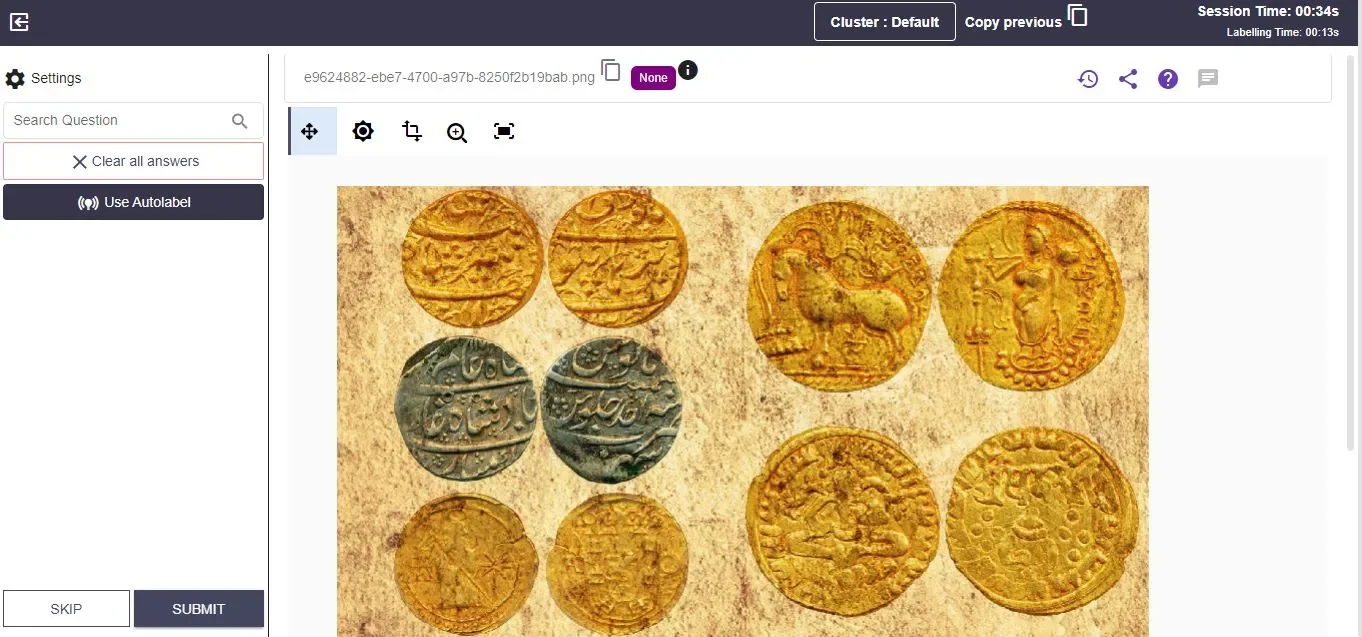
Generating Descriptions:
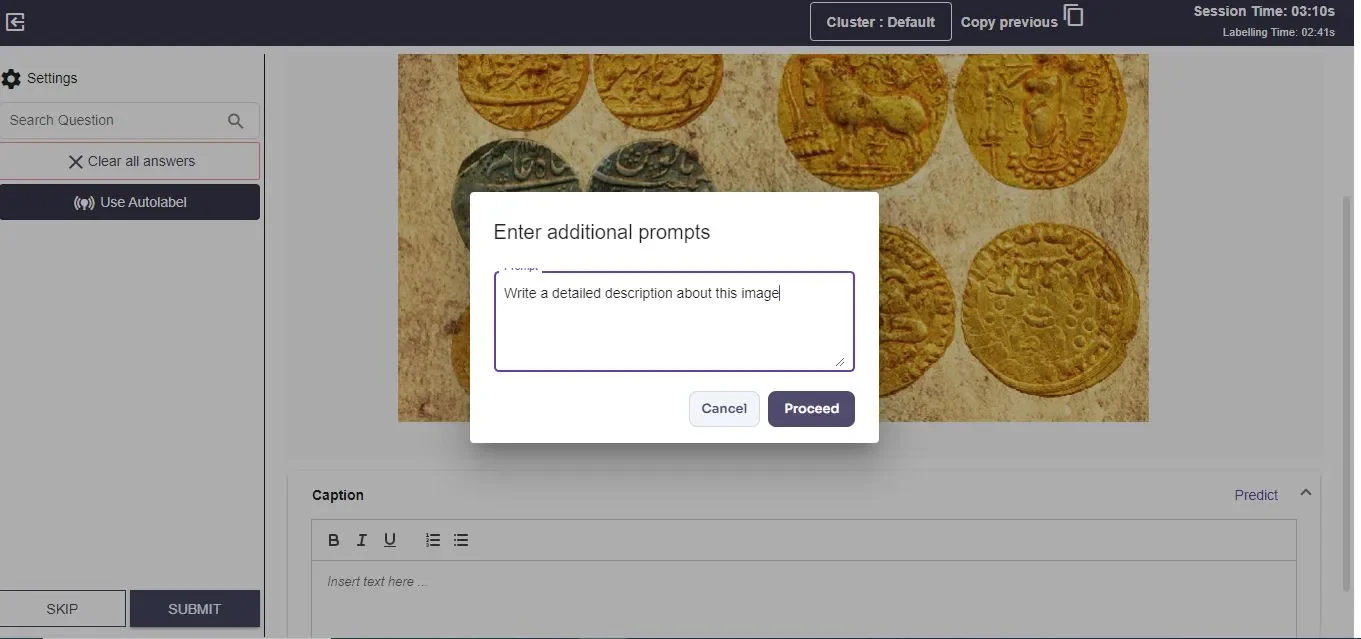
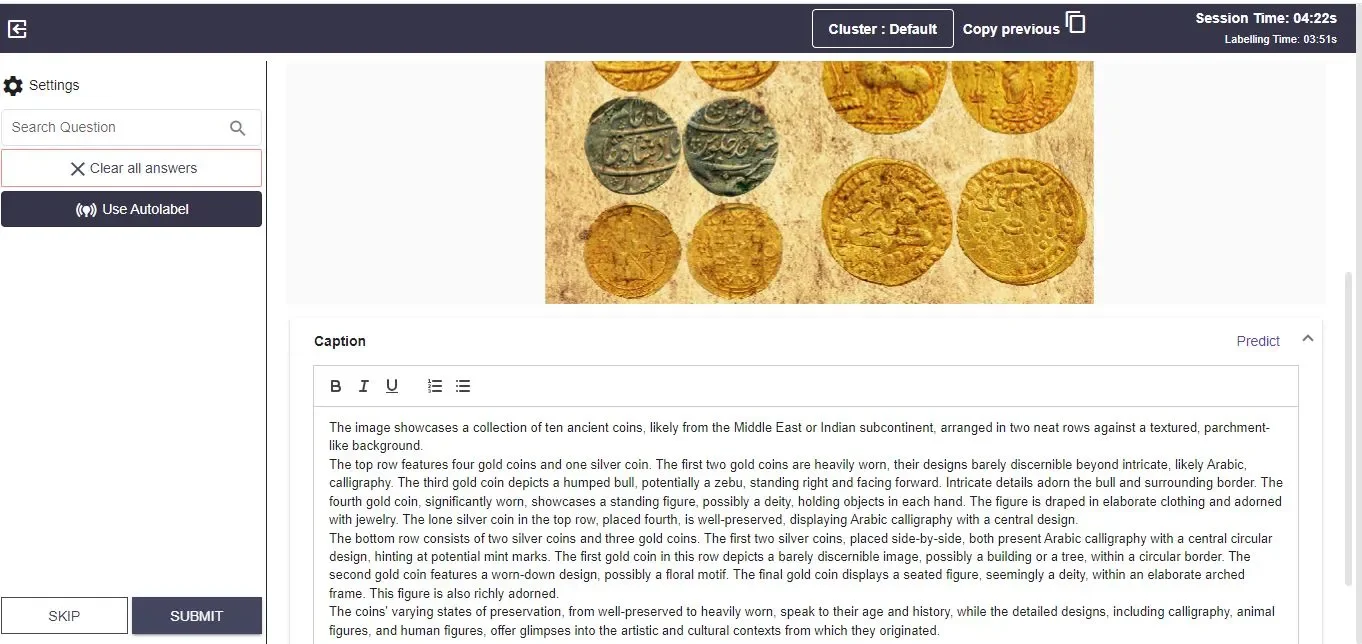
Click “Proceed” after entering your prompt. The generative AI will then provide a description based on your input.
You can review and edit this output as needed.
Further Prompts: You can give additional prompts to get more details about the image, such as relevant keywords or a brief description.If the API is available, the meta description can be displayed in the info icon. Click on the info icon to view the meta description, which includes keywords and descriptions related to the image provided by the API.